You haven't signed in yet, you can have a better experience after signing in
*Please complete the payment within {{receiveCouponInfo.expire_at}}Previous use*
You haven't signed in yet, you can have a better experience after signing in



Activity Rules
1、Activity time:{{ info.groupon.start_at }} ~ {{ info.groupon.end_at }}。
1、Activity time:cease when sold out。
2、Validity period of the Group Buying:{{ info.groupon.expire_days * 24 }} hours。
3、Number of Group Buying:{{ info.groupon.need_count }}x。
Please Pay Attention
1、Teamwork process: Join/initiate a Group Buying and make a successful payment - Within the validity period, the number of team members meets the activity requirements - Group Buying succeeded!
2、If the number of participants cannot be met within the valid period, the group will fail, and the paid amount will be refunded in the original way.
3、The number of people required and the time of the event may vary among different products. Please pay attention to the rules of the event.

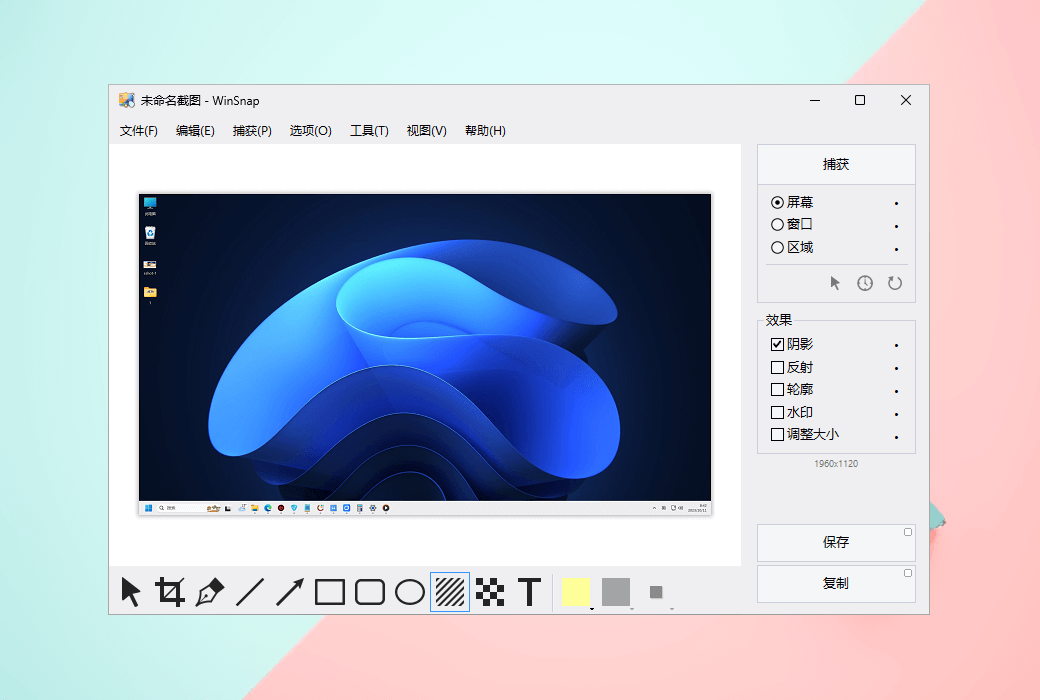
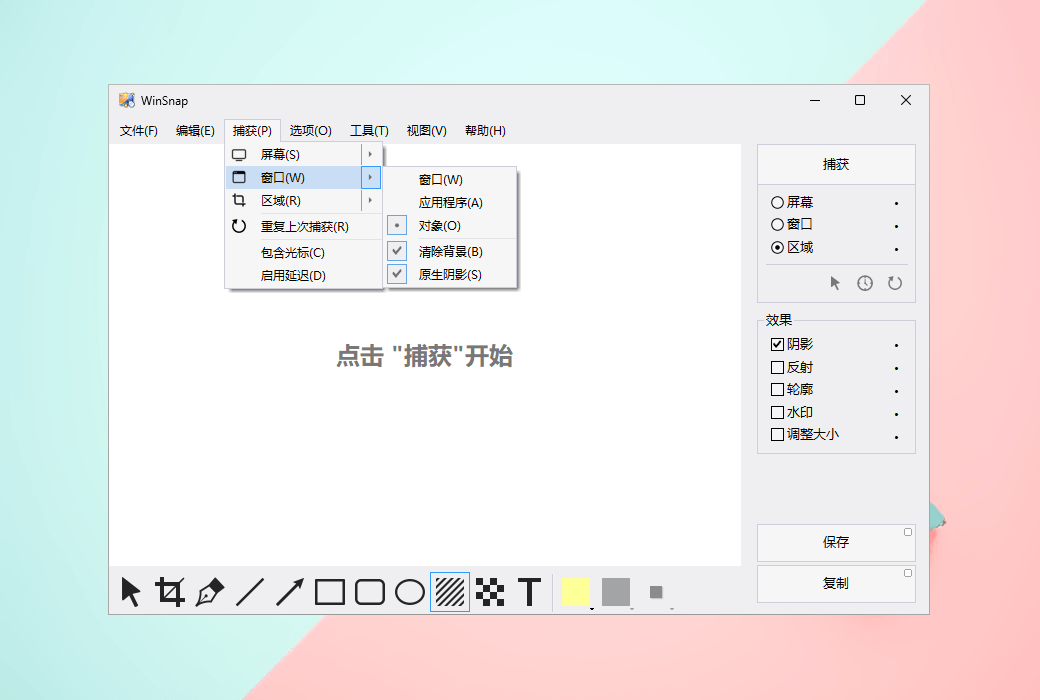
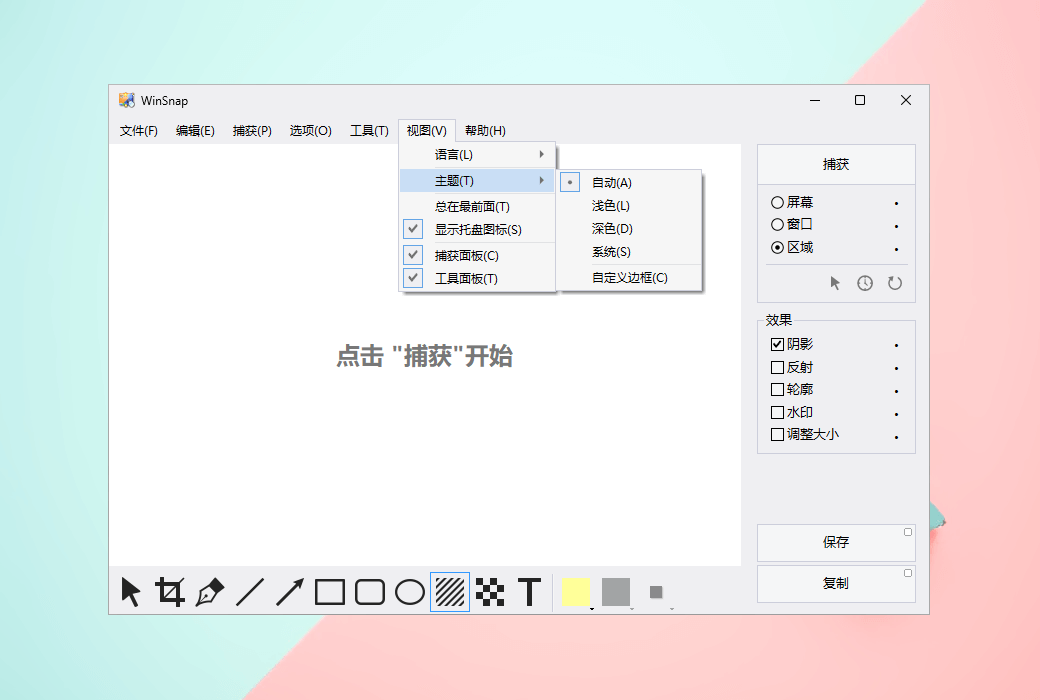
WinSnap is a fast and user-friendly utility for taking and editing screenshots. It can easily capture windows with rounded corners and transparent backgrounds, from Aero Glass on Windows 7 to Mica Material on Windows 11. After capture, WinSnap immediately enhances the screenshot with professionally designed shadows, reflections, contours, highlights, watermarks, arrows, shapes, and text annotations.
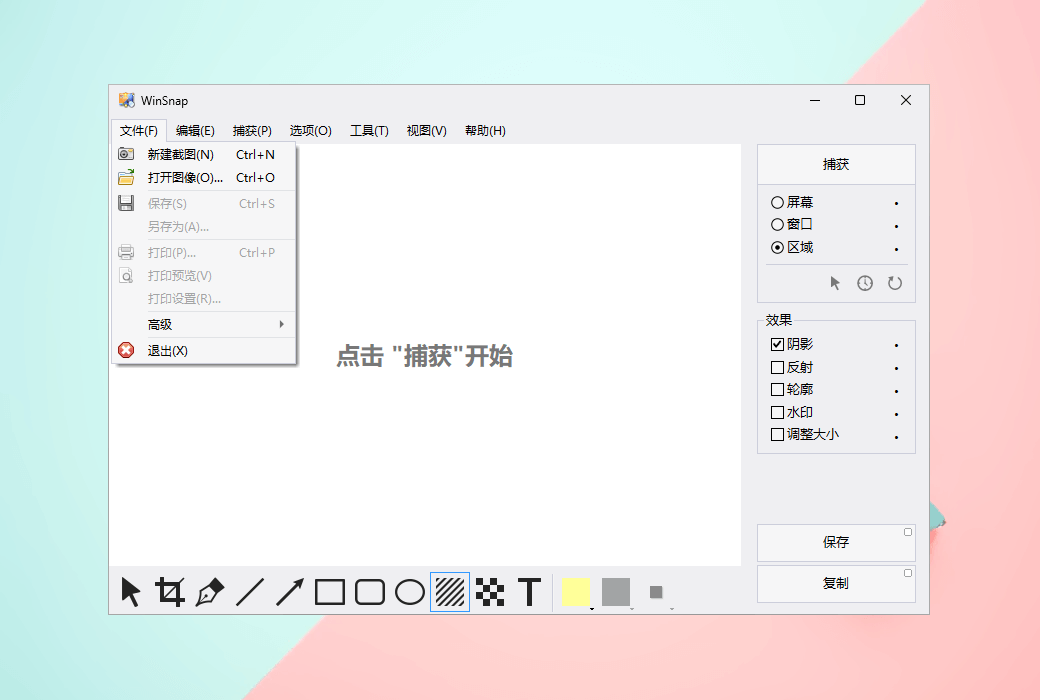
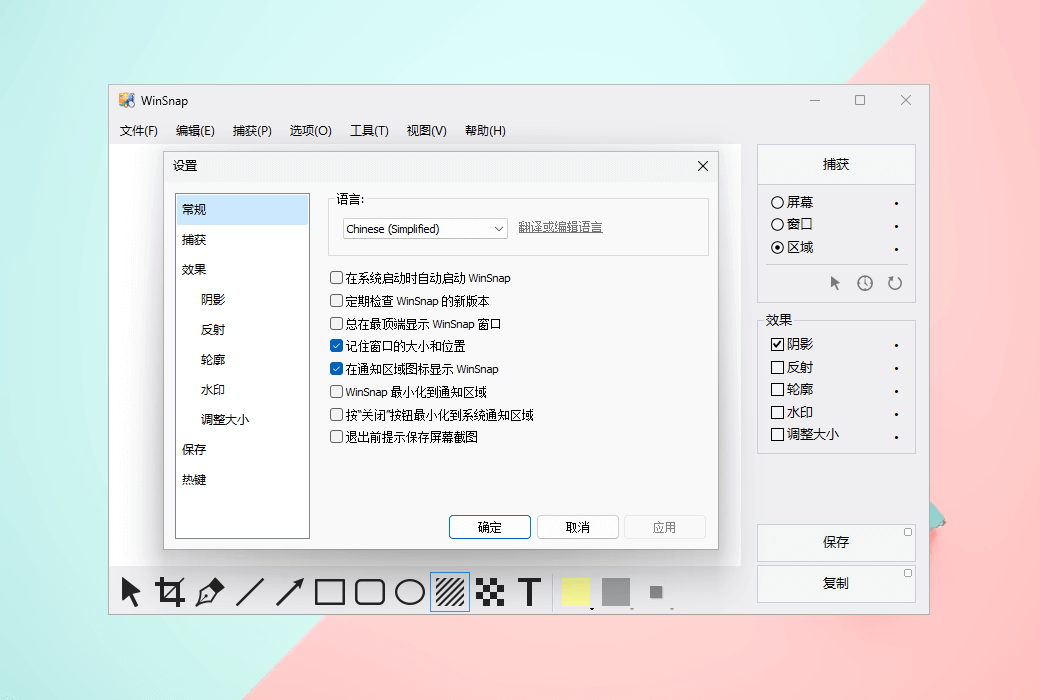
WinSnap includes many innovative features that enable better screenshots and simpler working methods. The redesigned and updated user interface adopts Windows 11 style with automatic dark mode, which can significantly improve overall usability.
Easy screen capture
WinSnap 1.0 was originally designed to capture rounded windows on Windows XP, and then Windows Vista introduced the Aero Glass window style. WinSnap 2.0 was also updated to retain title bar transparency and native window shadows.
Quick and convenient labeling and annotation
With WinSnap, you don't even need to consider a mature image editor. It provides sufficient image editing functionality for the most common use cases: adding arrows, lines, shapes, and text annotations. Pen tool to draw smooth spline curves.
WinSnap captures screenshots in a more complex way than other tools, effortlessly applies customizable effects, and allows you to add comments with just a few clicks.
Built in shortcut presets
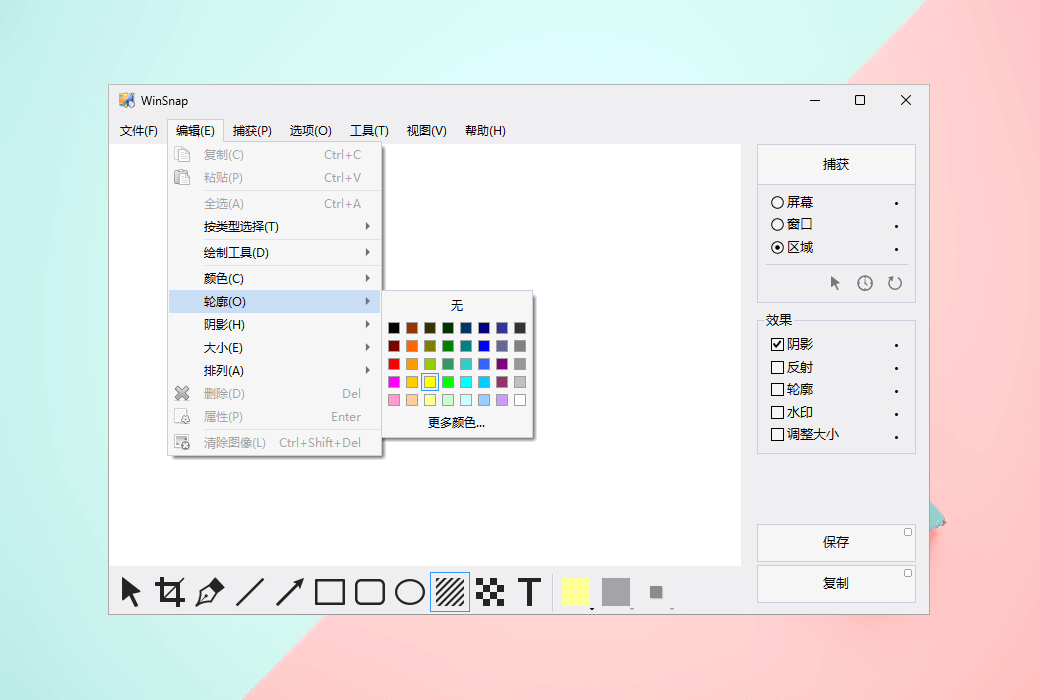
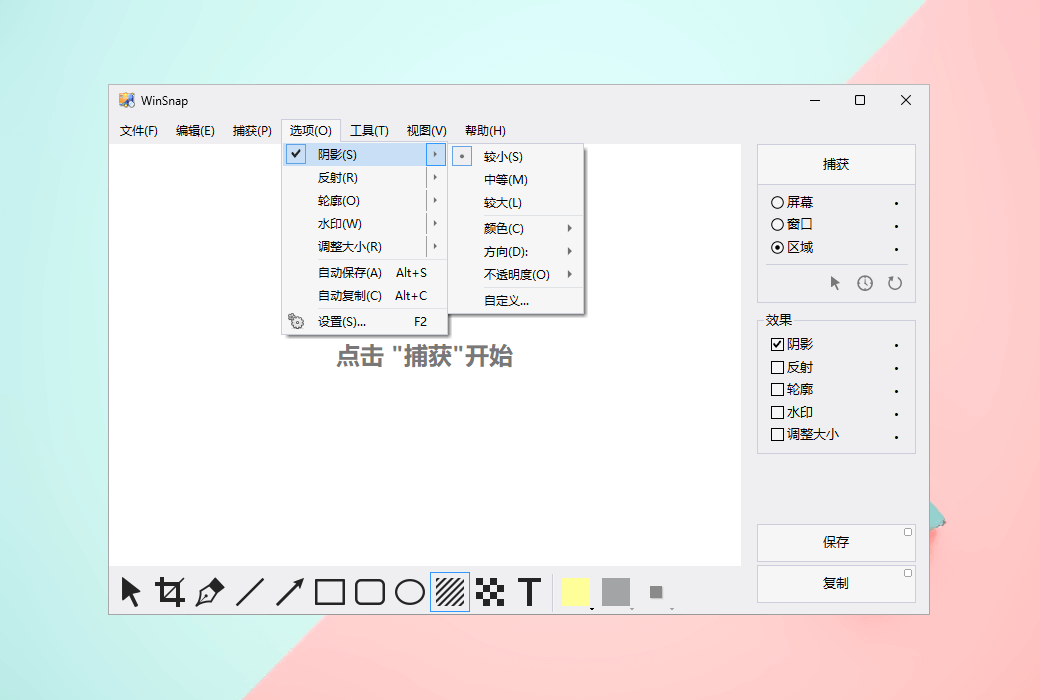
After capture, you can switch between native and custom shadow effects. WinSnap will automatically delete native Aero shadows and add the shadow effects you choose (color, size, direction, opacity). The built-in presets for shadows and other effects allow for faster editing and customization.
Supports PNG transparency and alpha channels
All screenshots created using WinSnap can be saved transparently. The blank areas between windows, pop-up menus, and other objects are filled with a transparent background, while shadows and reflections are semi transparent.
If you have installed Microsoft Office, you can also copy transparent images from WinSnap to the clipboard and paste them directly into Word documents, PowerPoint presentations, Outlook emails, or OneNote.
Capture multiple objects and regions
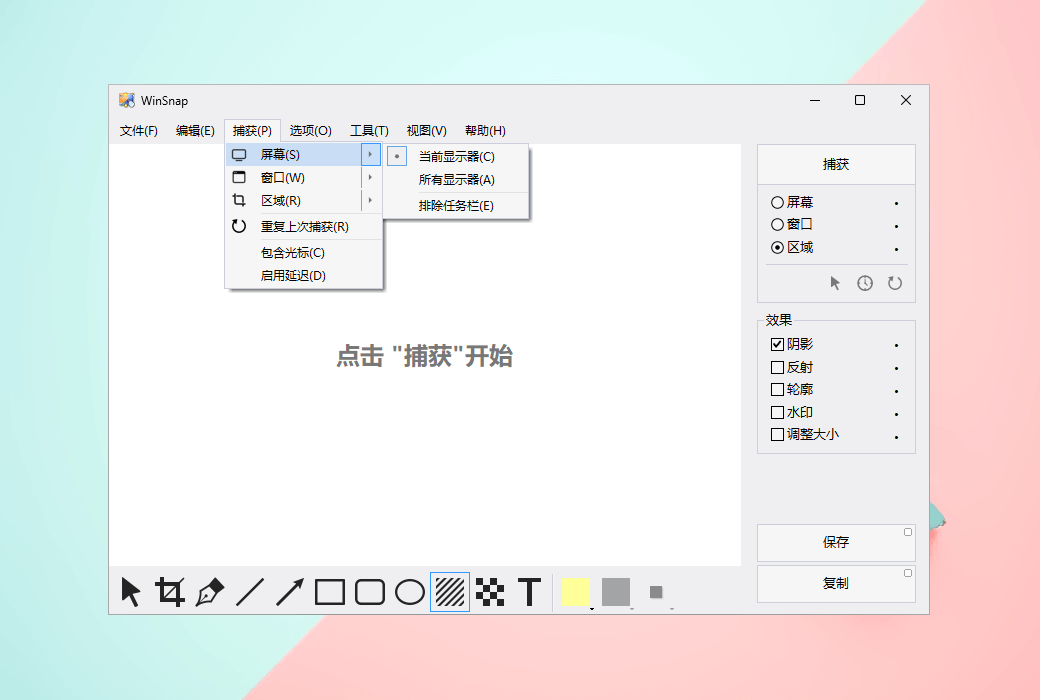
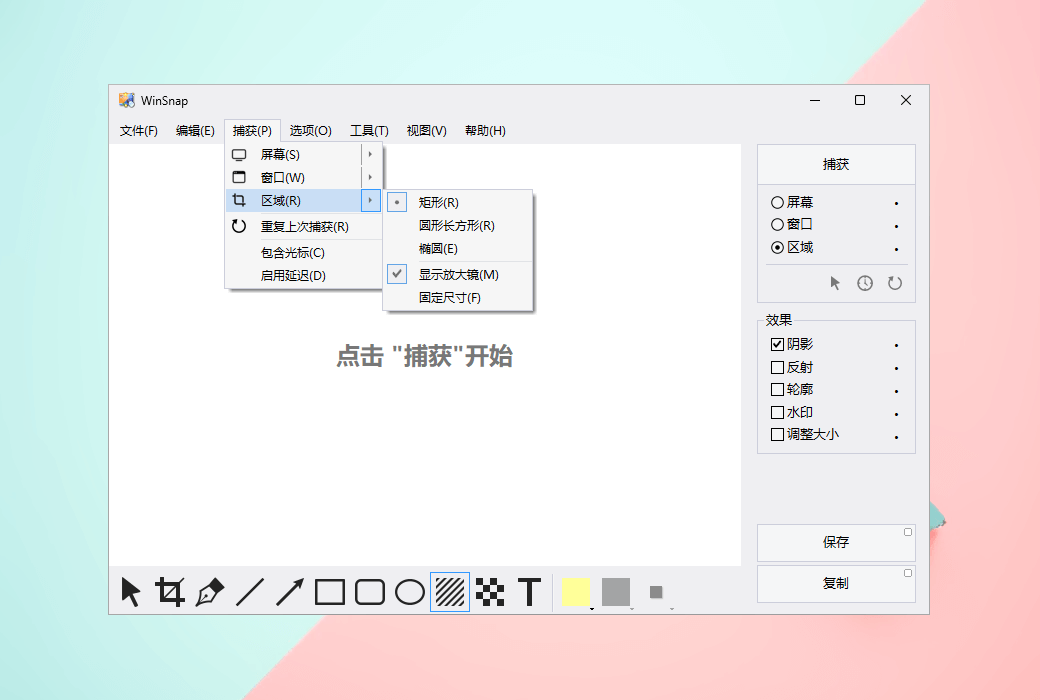
With WinSnap, you can capture multiple objects (such as windows, dialog boxes, pop-up menus, buttons, and other UI elements) and screen areas simultaneously. Hold down the CTRL key to select multiple objects in object capture mode.
You can perform the same operation in region capture mode to select multiple screen regions.
Official Website:https://www.ntwind.com/software/wmsnap.html
Download Center:https://wmsnap.apsgo.cn
Delivery Time: processed manually online
Operating Platform: Windows
Interface Language: supports Chinese interface display, with multiple languages available.
Update Instructions: the manufacturer promises lifetime updates and upgrades for one-time purchase.
Trial Before Purchase: free trial available before purchase.
How to Receive the Product: after purchase, activation information will be sent to the email used for ordering, and the corresponding product activation code can be viewed in the personal center, under "My Orders".
Number of Devices: can be installed on 1/3 computers, depending on the purchased license.
Changing Computers: uninstall on the original computer and activate on the new computer.
Activation Guide:https://apsgo.com/store/product/wmsnap#faq,1386
Special Instructions: to be added.
References:https://www.ntwind.com/software/wmsnap/register.html

Any question

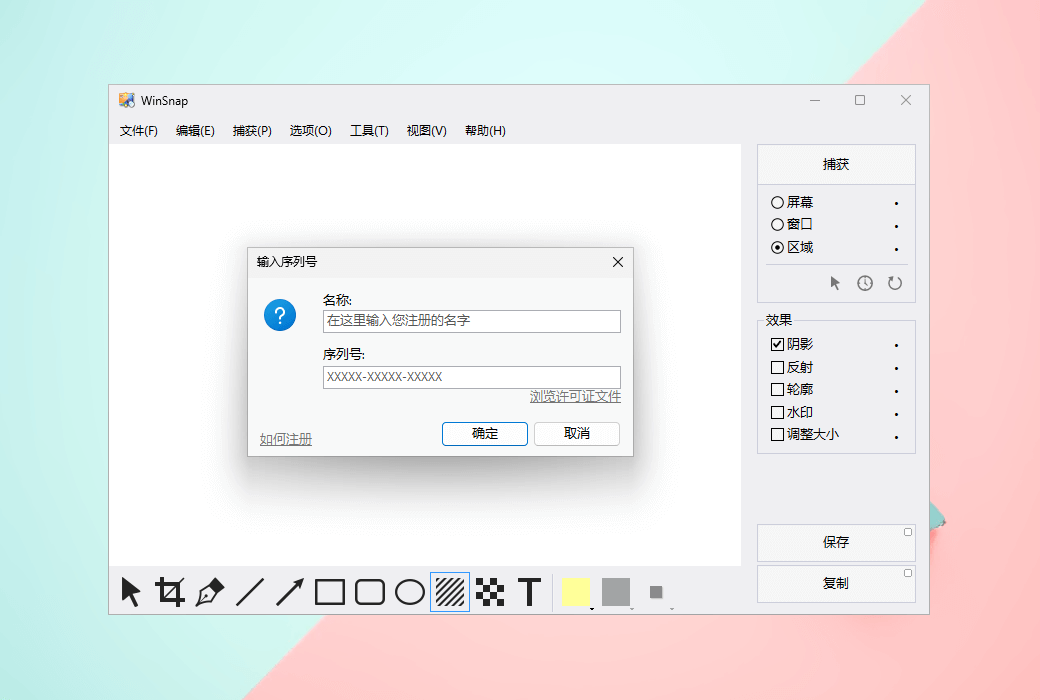
WinSnap has started, you can choose from the main menuhelp->Enter License Key. This will open the registration dialog box:

Enter your registration name and serial number in this dialog box, and then click OK.

Now you can start using the fully functional version of WinSnap.